10 QR Code Marketing Ideas for Small Businesses
A QR code is a bridge between a physical place and a page you already have: a menu, a review form, a shop Instagram, a coupon. Ink is cheap. Reprinting a poster is cheaper than running ads you cannot measure. For a shop, salon, clinic, or café, that is enough reason to treat QR as a regular tool, not a gimmick.
Pick one idea, print one square, and put a line of plain English next to it. People scan when they know what they will get.
1. Menu QR codes
Link to a simple page that lists prices you can edit tonight. Table tents beat laminated booklets when dishes change. Keep the code large, high contrast, and away from greasy table edges. If you also share WiFi, print that as a second card so diners do not mix the two.
2. Business card QR
Put a code on the back that opens your site, WhatsApp, or a vCard-style contact page. Recipients save you without typing. Test the print at wallet size; tiny codes on glossy black cards often fail. A white quiet zone around the square matters more than a fancy logo in the middle.
3. Social follow QR
A window sticker or receipt footer that opens your primary profile—not a bio link maze. One destination. If you run three networks, pick the one you actually reply on. Staff can point to the sticker instead of spelling a handle over the counter.
4. Review and feedback QR
Happy customers forget to review once they leave. A small card with “Tell us how we did” and a direct review URL captures the moment. Place it with the bill, not in a stack by the door that nobody picks up. Do not bury the form behind logins.
5. Packaging QR
Boxes and bags can open care instructions, refill videos, or a re-order page. This is useful for cosmetics, food, and spare parts where a paper insert gets thrown away. If stores also need a checkout barcode, print that separately; marketing QR does not replace a SKU. See QR vs barcode if you are labeling products for retail.
6. Event check-in QR
Workshops and pop-ups can use a code that opens a short form: name, email, consent. Staff scan less paperwork. Print A4 signs at the door, not a code hidden in an email people cannot find on the pavement.
7. Loyalty program QR
A stamp card that lives on a phone beats a paper card in a wet wallet. The QR can open a simple punch-card page or your existing loyalty app. Train staff to offer the scan after payment, when the customer still has the phone out.
8. Product info QR
Shelves are short on space. A code on a hang tag can open sizes, ingredients, or a fit video. Keep the page fast on mobile. If the product is in a warehouse that scans barcodes, keep the marketing QR visually different from the logistics code.
9. Discount coupon QR
Flyers and local magazines still move if the offer is real. The code should open a page with the expiry date in big type. Change the URL or reprint when the deal ends so you are not honoring last season’s 20% forever.
10. WiFi QR for customers
Guest WiFi is hospitality. A dedicated WiFi square on the table reduces “what’s the password?” interruptions. Generate it for a guest network, not the till computer. Full steps live in our WiFi QR guide if you want the field-by-field version.
A few print habits that make all ten work
- Write the action in words: “Scan for the menu,” not just a silent square.
- Test one print in the real lighting of the shop, not only on your bright laptop.
- One code, one job. Mix fewer ideas on the same card.
FAQ
Do QR codes still work for marketing in 2026?
Yes. Phones open them without a special app, and print is cheap. They work when the landing page is useful and the code is large enough to scan.
Should every poster have a different QR?
Use one code per destination. If the offer changes, update the webpage or print a new code. Mixing menus, WiFi, and discounts in one square confuses people.
How big should a printed marketing QR be?
Aim for at least 2–3 cm on a flyer and larger on a window. Add a short line of text such as “Scan for today’s menu” so people know why they should bother.
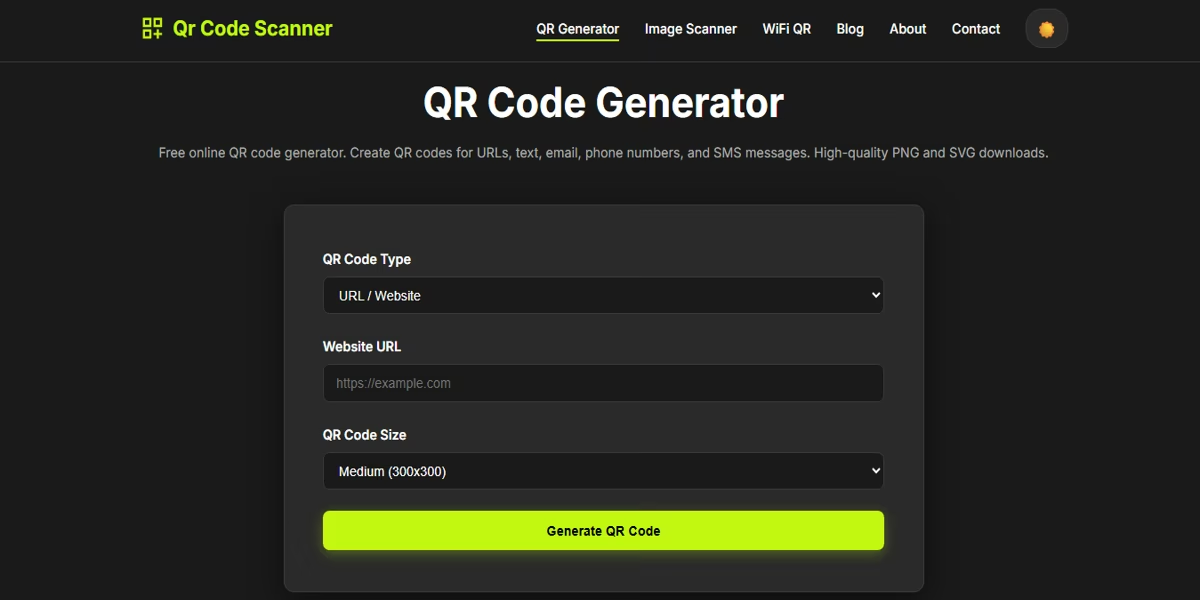
Make the squares for menus, cards, and posters in your browser with the free QR code generator. Download a PNG, print a test copy, scan it yourself, then run the batch.