Is It Safe to Scan Random QR Codes? A Full Safety Guide
QR codes sit on parking meters, restaurant tables, parcels, and bus stops. Most of them are ordinary shortcuts: a menu, a timetable, a tracking page. A few are not. The square itself is not malware. It is a compact way to store text—very often a web address—so the risk is the same as tapping a link you did not type.
You do not need to stop scanning. You need a habit: read the destination before you open it, and walk away when the story does not match the place you are standing.
How malicious QR codes work
A dishonest code is usually a sticker or a printout that points your browser to a page the owner of the wall never chose. That page may look like a bank, a delivery firm, or a WiFi login. The goal is to collect a password, a card number, or a one-time code you type yourself. Nothing “hacks the camera.” You are being asked to trust a website that arrived through a picture.
Another pattern is a fake payment square on a counter: you think you are paying the café, but the address belongs to someone else. The café’s real code may still be underneath, covered by a fresh sticker. If a scan result surprises you, treat it like a suspicious email—not like an emergency you must finish in ten seconds.
This guide stays at that level on purpose. You do not need technical recipes to stay safer; you need slower clicks and a preview of the URL. For a different angle on failed scans (blur, permissions, lighting), see QR scanner troubleshooting.
5 warning signs of a suspicious QR code
1. Shortened or nonsense URLs
If the result is a tiny link with no company name you recognize, pause. Shorteners hide the real host until you visit. Ask staff for the official site or type the brand you already know.
2. A domain that does not match the place
A museum poster should not open a random blog. A courier locker should not open a lookalike domain with extra hyphens. Compare the address to the name on the building or the receipt.
3. Public tampering
Raised stickers, mismatched paper, glue rings, or a code that sits slightly off-center on a machine are classic overlays. Prefer codes printed into the original sign, not taped on later.
4. Unexpected payment or login requests
A menu QR that immediately demands a card, wallet login, or “verify your identity” is a stop sign. Menus do not need your bank. Pay at the till or in the restaurant’s known app.
5. No context
A lone square on a lamp post, a flyer under a wiper, or a code in an unsolicited message has no reason to exist. If nobody can explain why it is there, do not open it.
How to scan QR codes safely
- Preview the URL before opening. A good scanner shows the full address as text. Read the domain. If it looks odd, close the result.
- Prefer tools that do not auto-launch the browser. You decide when to tap through. That extra second is the whole defense.
- Do not type secrets on a surprise page. Passwords, OTPs, and card fields belong in apps or sites you navigated to yourself.
- Use your own data, not public WiFi, for anything financial if you must open a genuine payment page.
- Keep the phone OS updated the same way you would for email safety. Scanning is just another way links arrive.
Scanning a code on the QR Code Scanner homepage or from a saved photo is no more dangerous than scanning on the street—the same preview rule applies. The image is not the threat; the destination is.
FAQ
Is scanning a QR code itself dangerous?
Reading the pattern only reveals the stored text or link. Harm, if any, starts when you open a page or type secrets into a site you did not expect.
Should I avoid every QR in public?
No. Official menus, tickets, and museum labels are usually fine. Pause when a code appears on a sticker, a parking machine, or a poster that looks newly taped over an older one.
What should I do if a scan asks for my bank login?
Stop. Close the page. Open your bank app or type the address you already know. Never enter passwords or card numbers on a site that appeared only after a surprise scan.
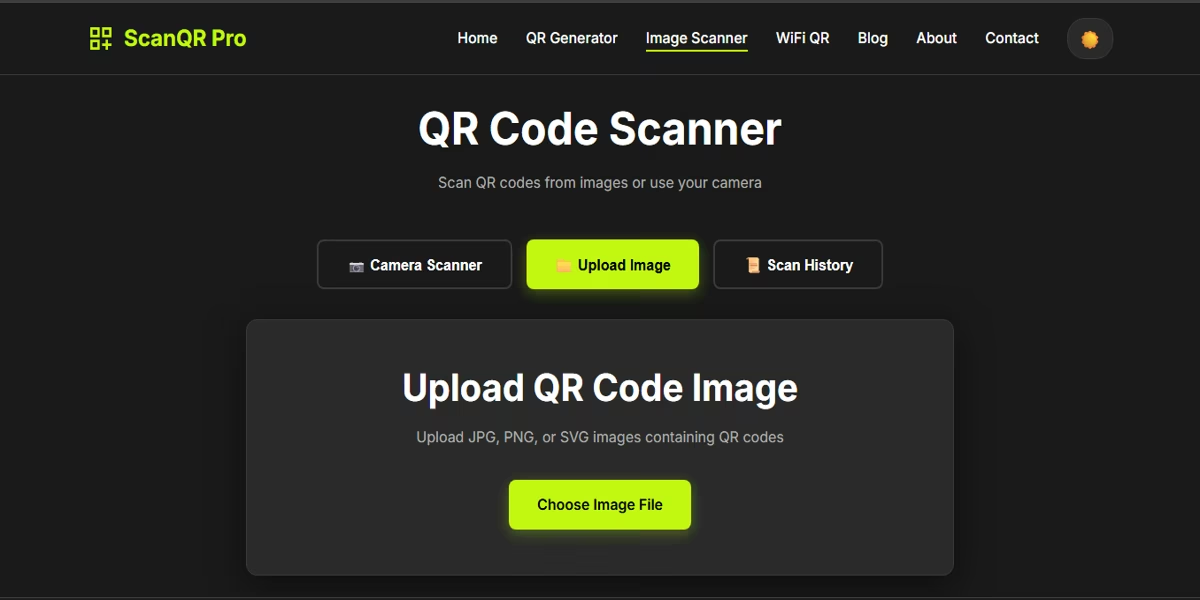
Want the link as text first? Use the free image QR scanner. It decodes on your device and shows the result so you can read the URL before you open it—useful for photos, screenshots, and camera scans alike.